Mugshot AI Filter Trend
Image Generation
Art
This prompt is designed to generate a **true-to-life mugshot portrait** with forensic realism — flat lighting, neutral expression, height chart background, and raw skin texture. The key is realism over beauty: no makeup, no glam lighting, no smoothing.
6 views
0 comments
0Example Outputs1 output
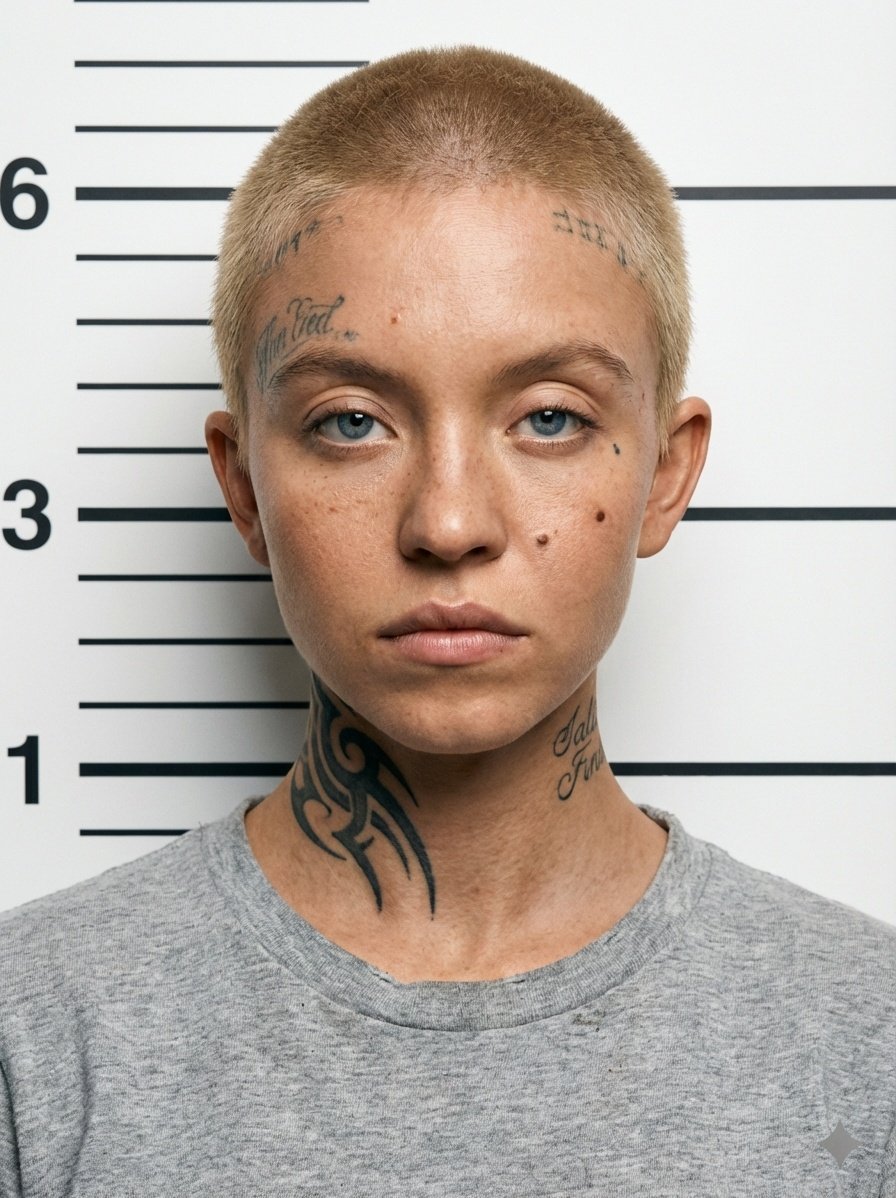
G_VjuULbAAArSDo.jpeg
Prompt Content
1. Go to [Nano Banana Pro](https://imageat.com/trends/ai-mugshots-generator)
2. Write the full prompt given below
3. Upload your reference image
4. Hit "Generate" and get the edited image

How to use it:

1. Upload a clear reference image (front-facing works best).
2. Paste the prompt exactly as shown.
3. Keep the “must\_keep” constraints enabled to preserve facial structure, tattoos, and hairstyle.
4. Make sure negative prompts are active to avoid AI beautification.
5. Generate at high resolution for maximum detail.

"{ "category": "portrait\_photography", "style\_preset": "mugshot\_realism", "subject": { "demographics": "a person in the reference image", "expression": "neutral, serious, direct gaze, slightly defiant", "face": { "shape": "oval with defined jawline", "eyes": "brown, almond-shaped, sharp focus, weary but alert", "nose": "straight bridge, slightly rounded tip", "mouth": "natural lips, closed, unsmiling, slight downturn at corners" } }, "skin": { "tone": "light tan / olive", "texture": "highly detailed, visible pores, sun damage, scattered freckles across nose and cheeks", "imperfections": "mole on right cheekbone, realistic complexion without makeup" }, "hair": { "style": "buzz cut, military crop", "color": "same colour in the reference image", "texture": "short stubble, visible scalp" }, "body\_modifications": { "tattoos": \[ "faded script lettering on forehead near hairline/temples", "large dark scaled/tribal ink covering left side of neck extending up behind ear", "small calligraphy script tattoo on right side of neck", "small dark mark or tattoo dot under right eye" \] } }, "attire": { "garment": "crew neck t-shirt", "color": "heather grey or off-white", "texture": "cotton jersey, slightly worn, casual fit" }, "environment": { "setting": "police booking station", "background\_elements": \[ "white wall", "black horizontal height measurement lines", "visible numbers '1', '3', '6' aligned with lines" \] }, "technical\_specs": { "lighting": "flat clinical lighting, frontal flash, minimal shadowing, cool/neutral color temperature", "camera\_angle": "eye-level, straight on", "focal\_length": "50mm portrait lens", "aesthetic": "forensic photography, unfiltered, high fidelity, documentary style" }, "constraints": { "must\_keep": \[ "buzz cut hairstyle", "specific tattoo locations on neck and forehead", "height chart background", "neutral facial expression" \], "avoid": \[ "makeup", "smiling", "glamour lighting", "long hair", "jewelry", "background blur (bokeh)" \] }, "negative\_prompt": "smiling, makeup, airbrushed skin, long hair, jewelry, colorful background, dramatic lighting, low resolution, blurry, artistic filter, painting, illustration" }"Similar Prompts
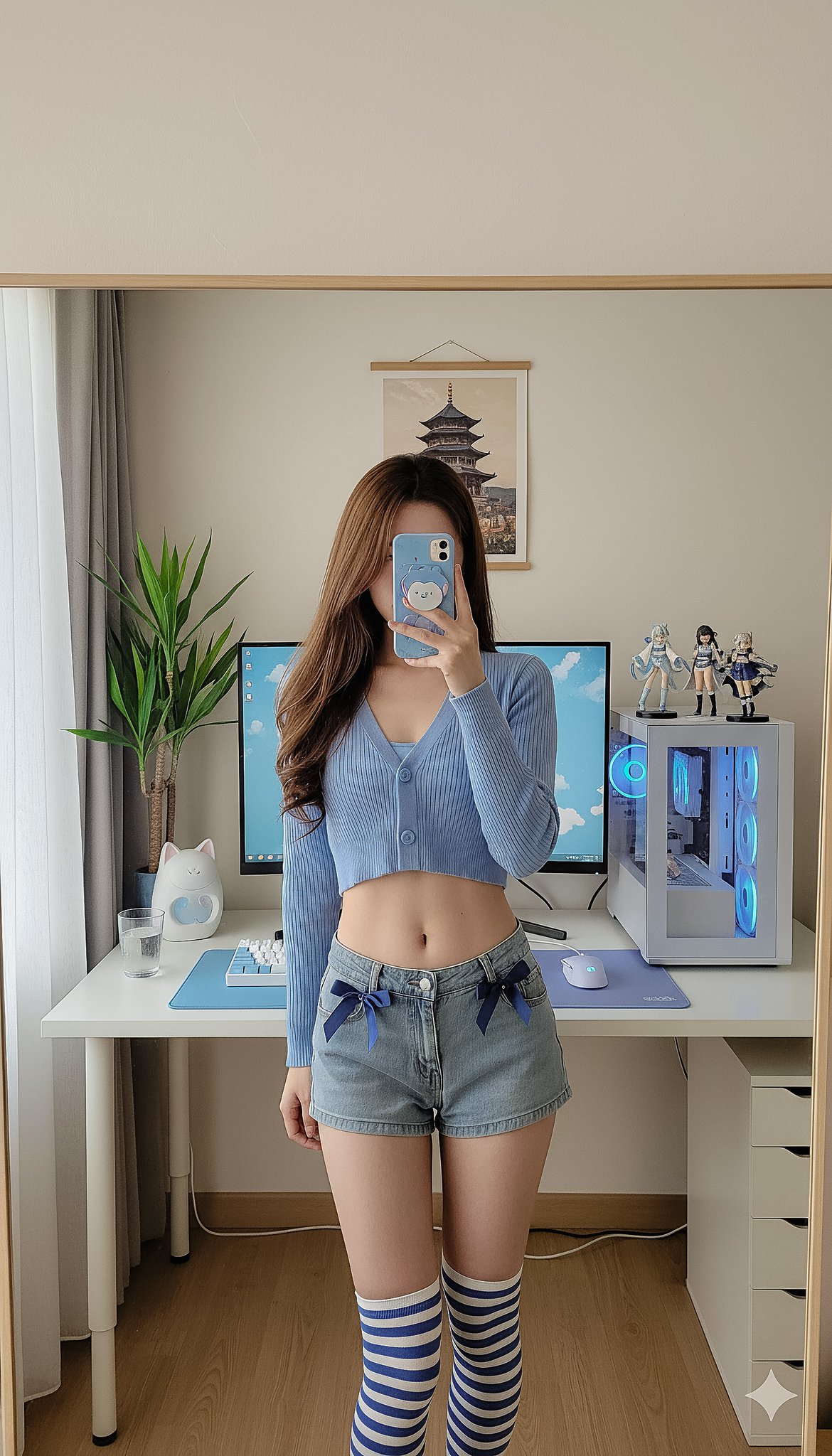
Image Generation
Detailed mirror-selfie otaku room scene
Mirror selfie in an otaku-style computer corner, blue color tone.
@muhyal
117
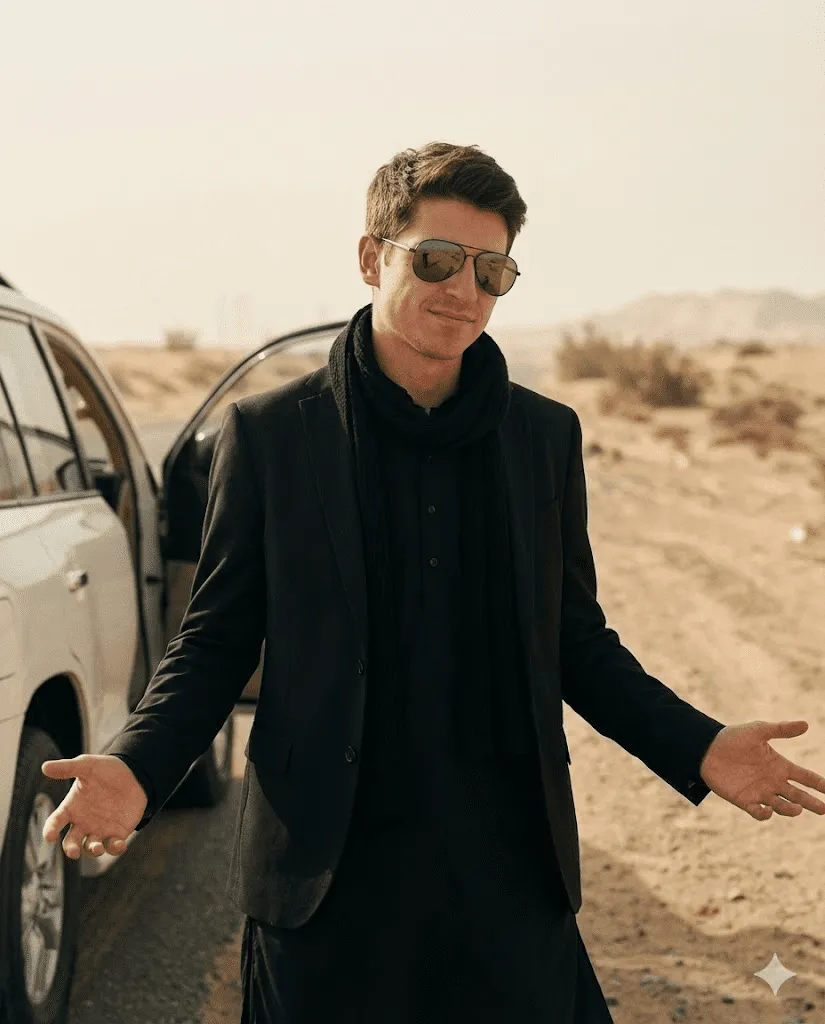
Image Generation
Latest Movie Entry Scene Photo Style
Transform my uploaded photo into an ultra-realistic cinematic film still while preserving my exact identity (same facial structure, age, skin texture, hairstyle; no beautification; no face change).
@muhyal
011
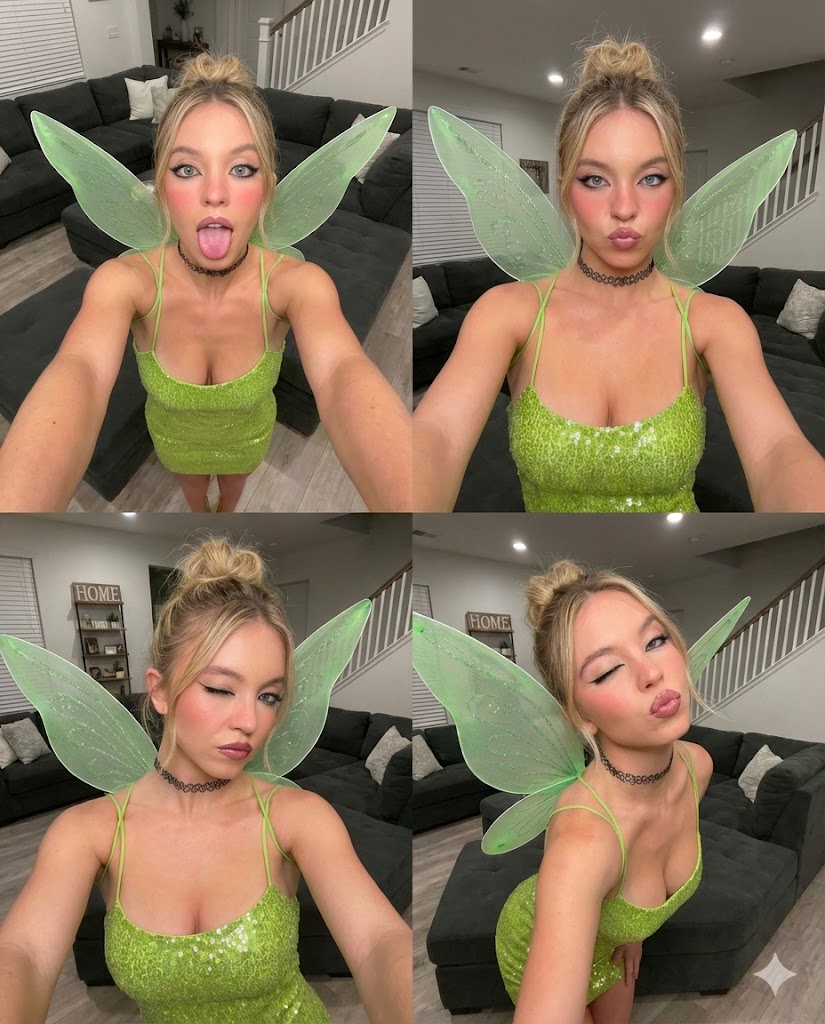
Image Generation
Gen Z Fairycore Candid Grid Editorial
A chaotic yet playful 2x2 selfie collage capturing fairycore energy, ultra-wide candid angles, bold expressions, and Gen Z social-dump aesthetics in a cozy, modern home setting.
@muhyal
010

Comments (0)
Please sign in to leave a comment